Camera sharing you can manage yourself.
Give customers a view of their stay, job, or appointment. Peeksee puts the portal and access controls in one place, with help getting your cameras connected.
Explore four ways to use Peeksee.

Happy stays.

Every detail.
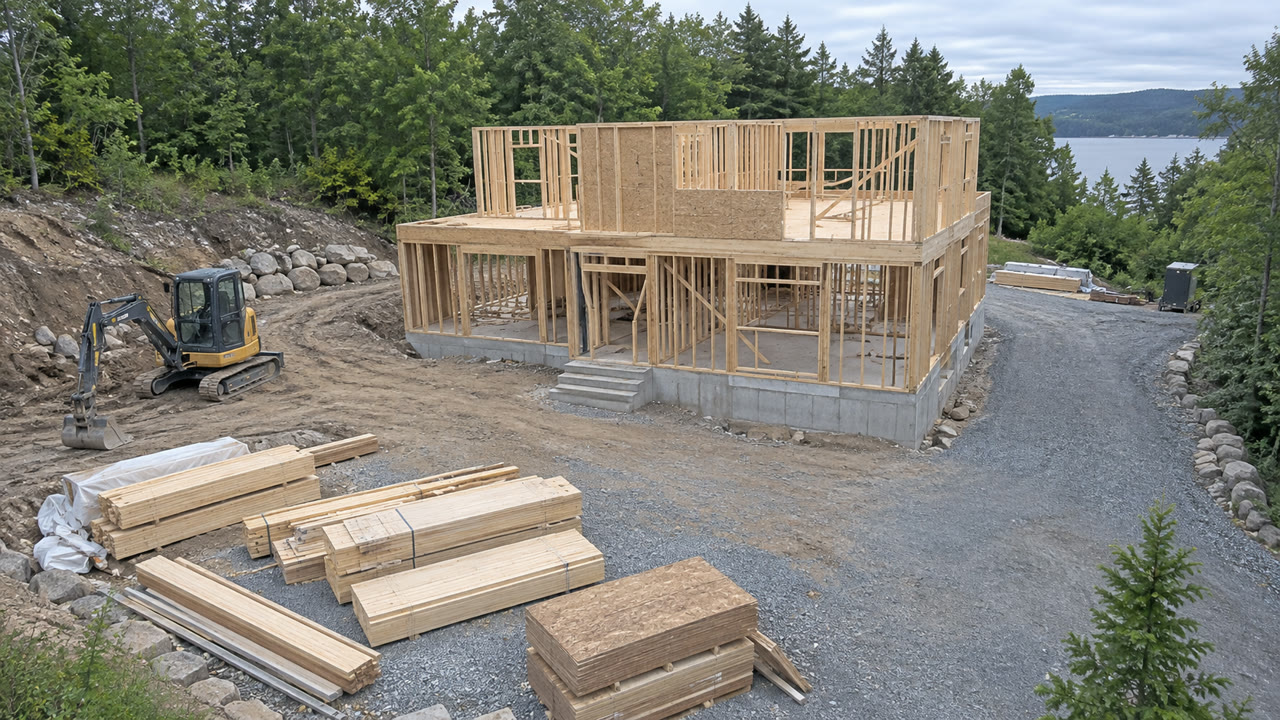
Real progress.

A city, in view.
Sample scenes. Explore each demo for yourself.
No sign-up needed.Built around your working day.
Your front desk can handle camera access as part of check-in and checkout.
See how timed access works-
Check a customer in.
Choose the cameras and viewing times as you create the visit.
-
Give them a place to watch.
Customers sign in to your portal from a phone or computer. There’s no app to install.
-
Let access end on time.
Viewing ends with the visit. Your team can pause or end it sooner.
Start with the cameras you have.
Peeksee Connect links compatible cameras from your site without port forwarding.
You’ll need a device at your site to run Connect and may need your camera login details. We’ll help check your cameras and network before you get started.
Check your camera setupYour portal is ready.
Every plan includes a hosted customer portal. Professional adds your logo, colors, cover image, and domain.
Your team stays in control.
Pause a visit, a camera, or the whole portal. Your camera passwords stay private.
Add replay when you need it.
Professional records to a drive you provide and lets customers replay permitted footage. Cloud recording is optional.
Try it for yourself.
Choose pet boarding, auto restoration, construction, or public traffic cameras. No sign-up needed.